Resolving "You can only access the system from a property you are logged into"
If you receive the warning message "You can only access the system from a property you are logged into", it means you are not a remote employee and are using a computer on the properties premises that has been automatically logged out, likely due to inactivtity.
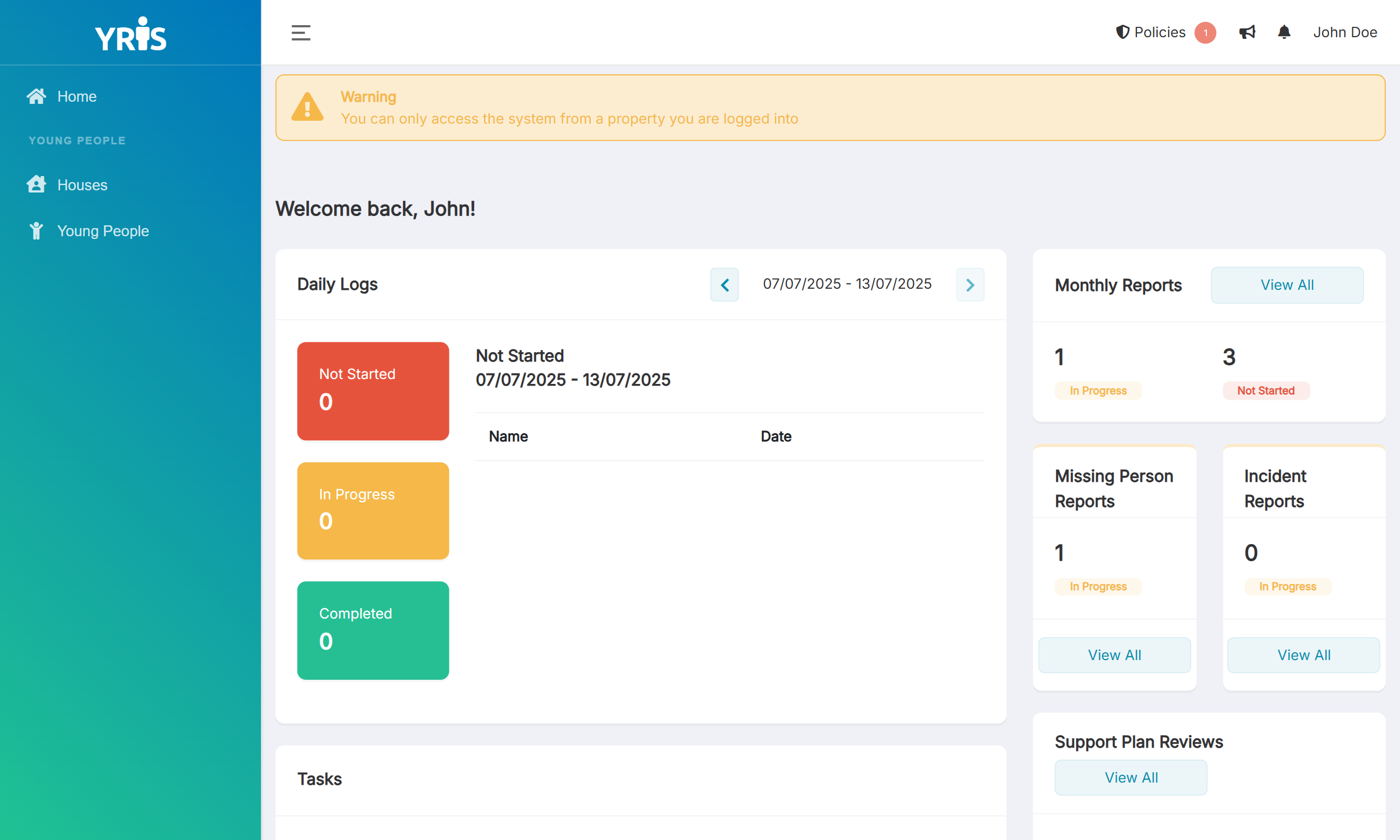
To fix this warning you will require someone with access to the property magic links to be able to login the property back in.
Clear the cookies and using a property magic link, login back into the property, this issue will then be resolved.
Chrome
- Click the icon directly on the left of the url
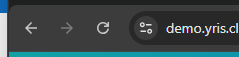
- Click Site Settings
- Under Usage click Delete Data
- In the popup click Delete
- Close the tab and refresh your YRIS. (You should now be logged out and out of the property)
- Using a magic link log back into the property
1 out of 1 liked this article